Example workflow · live D1 analysis
Street-scene review
Start with an observation. Run Orca, inspect what it found, then record what needs checking.
This review stays on this page until you leave or reload. Export it to keep a copy. Analysis uses the existing app service and its access limits; no API key is required. No run starts automatically.
01 / Observation
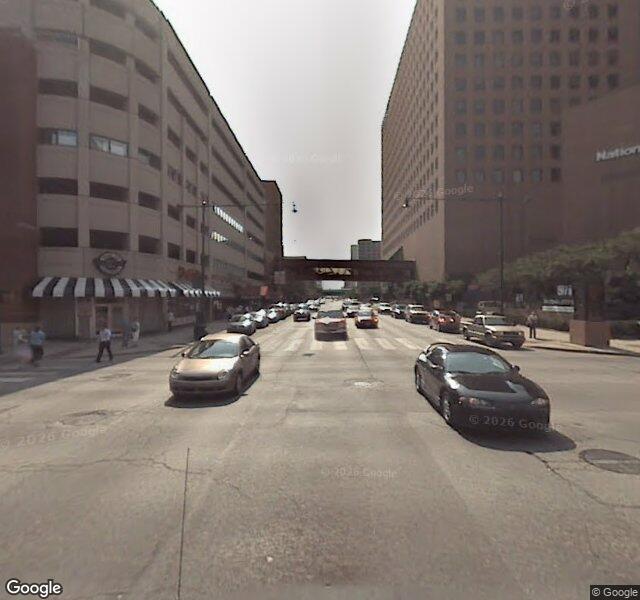
Existing Oceanir sample image · Google attribution preserved in the image. Capture date and original location are not supplied as model inputs.
02 / Analysis
No result yet. Run Orca to see an actual response for this image. D1 gives a broad estimate; use the full app for deeper analysis.
03 / Human review
04 / History
Observation → analysis → human review → another observation. Each completed analysis remains in this review.
- Sample observation loaded.